Course Description
AI tools for UX/UI,
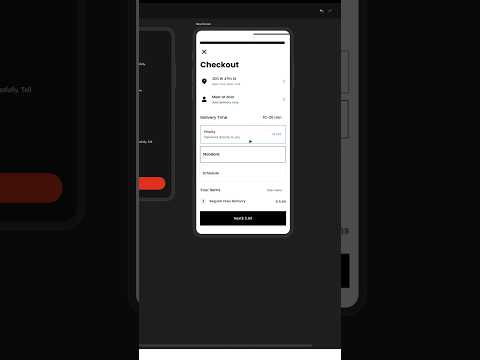
in this course we will learn about AI tools for UX/UI and how they can transform the way designers approach user experience and interface design. You’ll explore powerful AI-powered platforms and plugins that assist with user research, wireframing, prototyping, content generation, accessibility, and design optimization. We’ll cover tools like Uizard, Galileo AI, Relume, and ChatGPT—showing how they help speed up workflows, generate ideas, and personalize designs based on data-driven insights. You’ll also learn how to use AI to create user personas, generate layout suggestions, analyze user behavior, and enhance collaboration between teams. Through hands-on exercises, you’ll see how to integrate these tools into your design process effectively. Whether you’re a UX/UI beginner or an experienced designer looking to enhance productivity, this course equips you with the knowledge to use AI tools to design smarter, faster, and more creatively. By the end, you’ll have a practical toolkit of AI solutions for modern UX/UI design. DesignerUp