Course Description
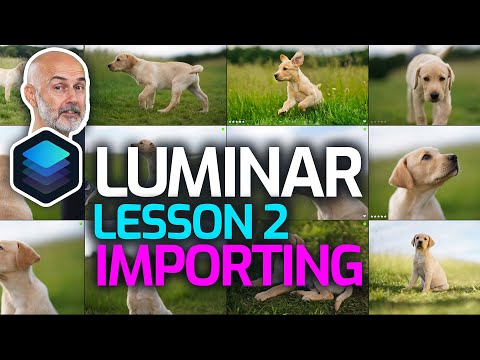
Luminar, on the other hand, is ideal for beginners or photographers looking for software that is easier to use than Photoshop. If you don't want to invest the time required to reach an advanced level in Photoshop, then Luminar makes a lot of sense. It's easier to use and gives you a lot of creative options.Is luminar as good as Lightroom?
The main difference between Luminar and Lightroom is that Luminar has a faster editing process than Lightroom. Luminar also features a much easier to use interface, than Lightroom, with one-click artificial intelligence that benefits professional photographers.Can luminar 4 replace Lightroom?
Luminar 4 is an all-in-one photo application that can replace Adobe Lightroom. It has a library module for organizing photos and a powerful editing module with all the necessary tools for processing and improving images. ... Yes, Luminar 4 works perfectly as a plugin for Adobe Lightroom and Photoshop.