Course Description
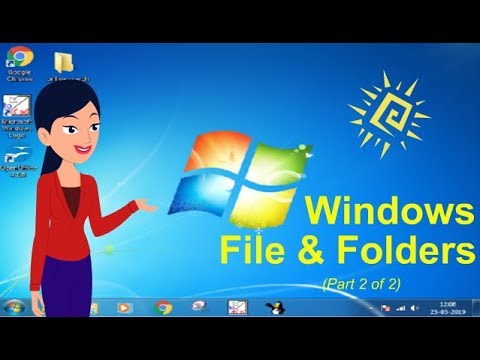
Windows Operating System course,
in this course you'll embark on a comprehensive journey through the functionalities, features, and management of the Windows Operating System. From foundational concepts to advanced configurations, this course covers everything you need to know about navigating and utilizing the Windows OS effectively. You'll learn about user management, file systems, networking capabilities, security protocols, and system maintenance tasks. Through hands-on exercises and practical demonstrations, you'll gain practical skills in troubleshooting common issues, optimizing system performance, and implementing security measures to safeguard your Windows environment. Whether you're a beginner or an experienced user, this course equips you with the knowledge and tools to become proficient in harnessing the power of the Windows Operating System for personal and professional use.