×
MindLuster Logo

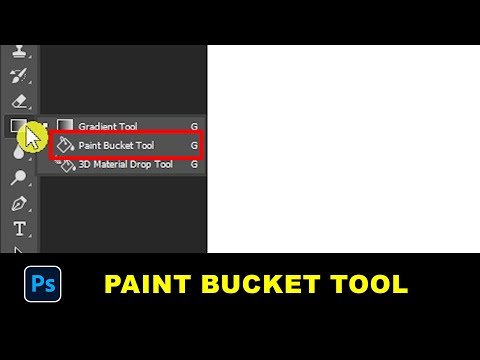
Paint Bucket Tool in Photoshop

Share your inquiries now with community members Click Here
Sign Up and Get Free Certificate
Sign up Now
Lesson extensions

Lessons List | 6 Lesson

Comments

Our New Certified Courses Will Reach You in Our Telegram Channel
Join Our Telegram Channels to Get Best Free Courses

Join Now

We Appreciate Your Feedback

Excellent
2 Reviews
Good
0 Reviews
medium
0 Reviews
Acceptable
0 Reviews
Not Good
0 Reviews
4.5
11 Reviews

Nazneen Anjum

Nice
2025-09-01

Hawi Shumi

it was good
2024-07-09

Rasezana Salssawi

it is amazing
2024-07-01

Dr.Ghvs Sarma

Very Interesting
2024-06-17

Guy kessy Ngabire

Very amazing! The course is given in a simply and understandable way. Thank you mindluster!
2024-06-11

melaku tebikew

Nice learning platform!
2024-06-09

Zaid Chesti

very informative lessons
2024-06-08

Jashwanth

Good
2024-06-08

Pakeeza khan

Amazing
2024-05-30

Abhishek Sharma

good
2024-05-30

TAHMEER AHMAD

It's really good course
2024-05-30

Koushal singroul

This is good plate form to improve your ideas and knowledge
2024-05-29

Show More Reviews

Course Description

Photoshop Paint bucket tool course, in this course delves into mastering the versatile tool for color filling in Adobe Photoshop. Through step-by-step tutorials and hands-on exercises, you'll explore the functionality and various applications of the Paint Bucket Tool. Learn how to efficiently fill closed areas with solid colors or gradients, refine selections, and troubleshoot common issues. Whether you're a beginner or an experienced user, this course equips you with essential skills to enhance your digital artwork, illustrations, and photo editing. Join us as we delve into the Paint Bucket Tool in Photoshop and unlock its full potential for your creative projects.