Course Description
Typography design in illustrator course,
in this course you will delve into the creative and technical aspects of designing impactful typography using Adobe Illustrator. This course is designed for both beginners and seasoned designers who wish to enhance their typographic skills and create visually compelling designs.
Starting with the basics, we will cover the foundational principles of typography, including font selection, hierarchy, spacing, and alignment. You will learn how to choose appropriate typefaces and combine them effectively to convey the desired message and tone. The course will guide you through the process of creating custom type designs, manipulating text paths, and integrating text with graphic elements to produce unique and engaging compositions.
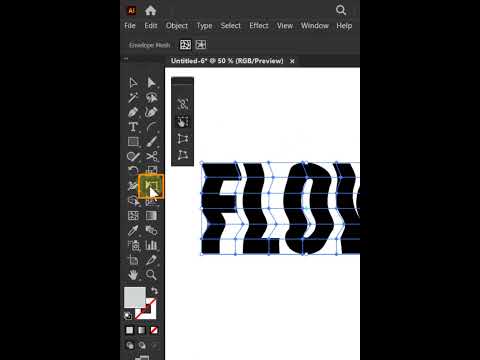
As you progress, the course will explore advanced techniques such as using the Appearance panel to apply multiple strokes and fills to text, creating dynamic text effects with gradients and patterns, and utilizing the Glyphs panel for advanced character manipulation. You will also learn how to use the Pen Tool and other vector tools to create custom lettering and intricate typographic illustrations.
Additionally, the course will provide practical tips on how to optimize your typographic designs for both print and digital media, ensuring clarity and readability across different formats. Through hands-on projects and real-world examples, you will gain confidence in applying your skills to a variety of design contexts, from posters and logos to web graphics and editorial layouts.
By the end of this course, you will be proficient in using Adobe Illustrator to create professional and innovative typographic designs, ready to elevate your design projects and captivate your audience with your newfound expertise.