Course Description
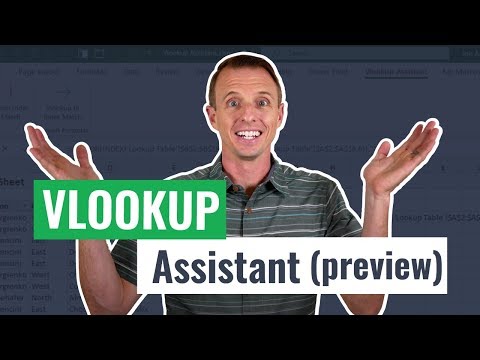
VLOOKUP for excel course,
in this course we will dive deep into the VLOOKUP function in Excel, a vital tool for efficient data retrieval and analysis. Starting with the basics, you'll learn how to use VLOOKUP to search for a value in one column and return a corresponding value from another column, streamlining your data management tasks. We will cover the syntax and components of the VLOOKUP function, including lookup_value, table_array, col_index_num, and range_lookup. You'll discover practical applications, such as looking up product prices, employee details, and other common scenarios.
We will explore advanced techniques to handle errors using IFERROR and how to perform approximate matches for scenarios where exact matches are not necessary. Additionally, we’ll compare VLOOKUP with other lookup functions like HLOOKUP and XLOOKUP, highlighting their differences and use cases. Through practical examples and hands-on exercises, you'll gain confidence in applying VLOOKUP to real-world data sets, making your data analysis more efficient and accurate.
By the end of this course, you will be proficient in using VLOOKUP for various data retrieval tasks, enhancing your productivity in Excel. Whether you are a beginner looking to understand the fundamentals or an experienced user aiming to refine your skills, this course provides valuable insights and practical knowledge to elevate your Excel capabilities. Join us to master VLOOKUP and unlock the full potential of your data.