×
MindLuster Logo

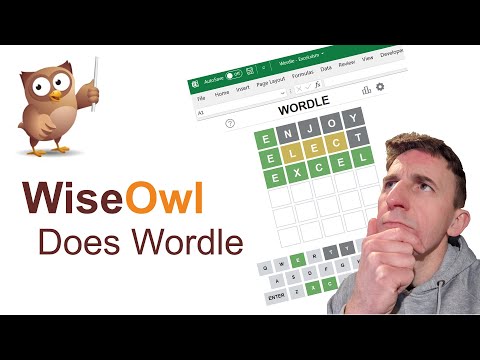
Wise Owl Does Wordle

Share your inquiries now with community members Click Here
Sign Up and Get Free Certificate
Sign up Now
Lesson extensions

Lessons List | 2 Lesson

Comments

Our New Certified Courses Will Reach You in Our Telegram Channel
Join Our Telegram Channels to Get Best Free Courses

Join Now

We Appreciate Your Feedback

Excellent
8 Reviews
Good
11 Reviews
medium
0 Reviews
Acceptable
0 Reviews
Not Good
0 Reviews
4.4
19 Reviews

Roshini

Good
2025-12-05

N sarath chandra bose

BOSE
2025-12-03

Mohammd mehdi Nouri

Your course progress was excellent.
2025-12-01

Yogesh

I learned a new thing easily by this web
2025-11-28

Hind Ajboune

perfect
2025-11-27

M.Maanisha

Nothing
2025-11-25

Bridget Xavier

Good
2025-11-25

VINTA SANDEEP

s,jhc
2025-11-21

BETHA SRIKANTH

Nice
2025-11-20

Akhilesh Govare

Good
2025-11-13

Tom Kid

Xxx
2025-11-10

Sanofar Nisha N N

Good and it's very clear to understand
2025-11-08

Show More Reviews

Course Description

Excel VBA for game, in this course introduces you to the creative side of programming within Microsoft Excel. You’ll learn how to use Visual Basic for Applications (VBA) to build interactive and entertaining games directly inside Excel sheets. The course covers essential coding concepts like loops, conditions, user input, and random number generation, all applied to game logic. You’ll design interactive interfaces using shapes, buttons, and forms, while learning to control movement, scoring, and game flow. Through hands-on projects, such as Tic-Tac-Toe, Guessing Games, and Memory Match, you’ll develop both programming and problem-solving skills. By the end, you’ll be able to create fun, functional mini-games that showcase Excel’s hidden potential. WiseOwlTutorials