×
MindLuster Logo

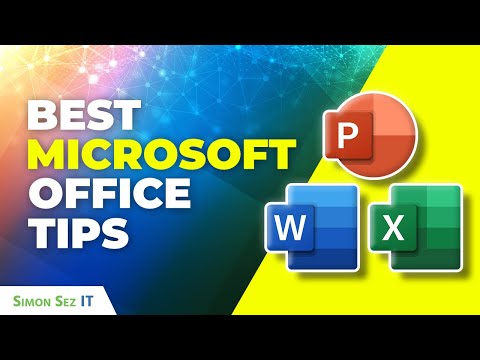
Best Microsoft Office Tips and Tricks for 2025 Excel Word PowerPoint More

Share your inquiries now with community members Click Here
Sign Up and Get Free Certificate
Sign up Now
Lesson extensions

Lessons List | 10 Lesson

Comments

Our New Certified Courses Will Reach You in Our Telegram Channel
Join Our Telegram Channels to Get Best Free Courses

Join Now

We Appreciate Your Feedback

Excellent
35 Reviews
Good
16 Reviews
medium
0 Reviews
Acceptable
0 Reviews
Not Good
0 Reviews
4.7
51 Reviews

Izhar Khan

Hi my name is Izhar Khan, I'm so happy to excellently compete this course. and this was an excellent.I leaned Microsoft Office and MS Office basics very well.Think you Mindluster for this free course.
2026-09-21

Prathul P

TRY TO ADD COURSE DURATION IN DAYS OR MONTH
2026-09-04

SAZISE MONDLEKI

Great course
2026-08-24

Raja Rethin

good
2026-08-24

S A Mahin

Good
2026-08-24

peter emmanuel mnkama

Nice platfom
2026-08-17

Minmoy Bhattacharjee

It is good to understand.
2026-08-01

Alifah Choirunnisa

Good,
2026-07-05

abuzaid shaikh

Best resource I found.
2026-07-02

Giorgio Ceccantini

very good
2026-07-01

by78 Bbae

Good
2026-07-01

Zulhadi Ariza

good
2026-06-29

Show More Reviews

Course Description

Microsoft office, in this course provides comprehensive training on the most essential productivity tools — Word, Excel, PowerPoint, and Outlook. You’ll learn how to create professional documents, analyze data using formulas and charts, design engaging presentations, and manage emails efficiently. The course also covers collaboration features, file sharing through OneDrive, and real-time teamwork using Office 365. Through practical lessons, you’ll explore shortcuts, templates, and formatting techniques to boost efficiency. By the end, you’ll gain the skills to confidently use Microsoft Office for personal, academic, and professional tasks, enhancing productivity and digital communication in any work environment. Simon Sez IT