Course Description
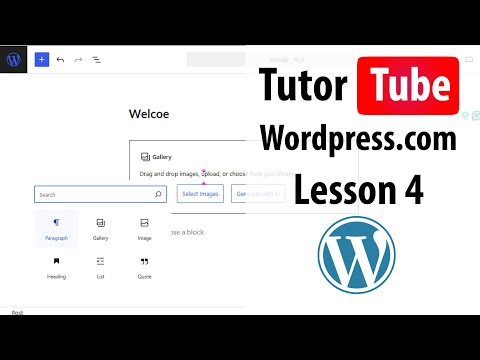
Signing in wordpress,
This course teaches beginners how to sign in to WordPress securely and manage access to their website with confidence. You will learn the different login methods, how to access the WordPress admin dashboard, and how to use the default login URLs. The course explains how to reset passwords, create strong credentials, and manage user roles for administrators, editors, authors, and subscribers. You will also explore two-factor authentication, login security plugins, and steps to protect your site from unauthorized access. Practical lessons cover troubleshooting common login issues, such as incorrect passwords, blocked access, or hosting-related errors. By the end, you will understand how to sign in safely, manage users effectively, and maintain secure access to your WordPress site. TutorTube