×
MindLuster Logo

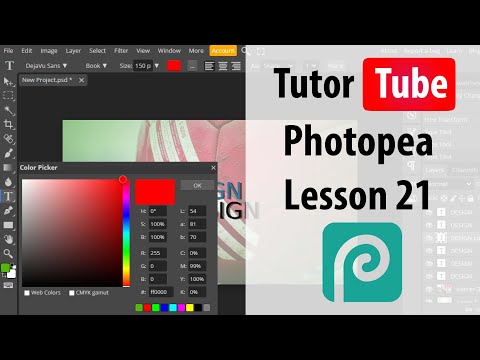
Photopea Lesson 21 Object Selection

Share your inquiries now with community members Click Here
Sign Up and Get Free Certificate
Sign up Now
Lesson extensions

Lessons List | 189 Lesson
Show More Lessons

Comments

Our New Certified Courses Will Reach You in Our Telegram Channel
Join Our Telegram Channels to Get Best Free Courses

Join Now

We Appreciate Your Feedback

Excellent
3 Reviews
Good
1 Reviews
medium
0 Reviews
Acceptable
1 Reviews
Not Good
0 Reviews
4.2
5 Reviews

Sachin

Easy to understand and not too round talk 
Experience is too good and I am very  happy to complete my first graphic designing course..
Thankyou Mindluster
2026-01-07

BABUL BAGHA

Thnk
2025-12-26

Ogunjimi rokeeb olasunkanmi

So educative
2025-12-14

Atharv Turbe

good
2025-12-10

Aliya Shaikh

No understan
2025-12-02

ABDUL WASSAY

best
2025-11-25

Show More Reviews

Course Description

Photopea, This course introduces learners to Photopea, a powerful online photo editor that works like Adobe Photoshop but runs directly in the browser. You will learn how to navigate the interface, create new projects, and work with essential tools such as Move, Brush, Eraser, Lasso, and Pen. The course covers layers, masks, blending modes, and adjustment layers for editing color, brightness, contrast, and more. You’ll also explore text tools, filters, transformations, and techniques for retouching photos or designing graphics. Practical lessons include editing images, creating thumbnails, removing backgrounds, and exporting files in formats like PNG, JPG, PSD, and SVG. By the end, you will confidently use Photopea to perform professional-level editing without installing any software. TutorTube