Course Description
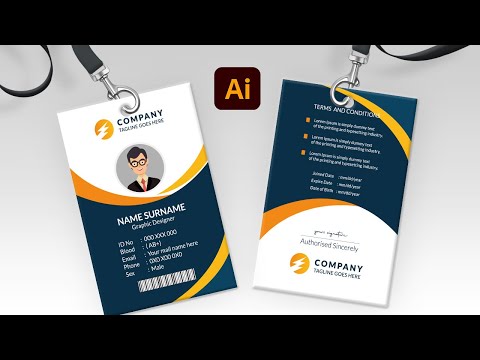
ID card design in Illustrator course,
The ID Card Design in Illustrator course is designed to help students master professional ID card creation using Adobe Illustrator from scratch to advanced level. In this course, I will learn how to set up artboards correctly, choose professional ID card sizes, and work with grids and alignment tools. Step 1: I will learn Illustrator basics, tools, layers, and workspace setup. Step 2: I will learn how to design ID card layouts, add photos, logos, and personal data in an organized way. Step 3: I will learn color selection, typography, and branding rules for corporate ID cards. Step 4: I will learn how to prepare files for printing and export them in high quality formats. Step 5: I will learn real project practice by designing complete professional ID cards. At the end of the course, I will get a free course with a free accredited certificate that I can use in my CV and professional portfolio. Graphic Design with Kutub