Course Description
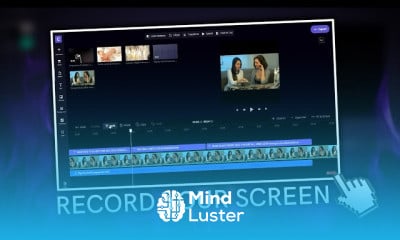
Enhance your graphic design expertise and elevate your video editing skills with our comprehensive online course, CapCut Video Editing Step by Step. This training course is designed to provide you with practical, step-by-step instruction to master the popular video editing software, CapCut. Whether you are a beginner or an aspiring professional, this course offers valuable insights to improve your creative projects and boost your career growth in the dynamic field of graphic design.
Throughout this course, you will learn how to create engaging videos, utilize advanced editing tools, and apply professional techniques to produce visually compelling content. Our comprehensive curriculum covers:
- The fundamentals of CapCut video editing software
- Importing, trimming, and arranging video clips
- Adding transitions, effects, and music for enhanced storytelling
- Incorporating text and graphics to improve visual appeal
- Exporting high-quality videos optimized for various platforms
- Tips for developing your unique editing style and creative workflow
This course is ideal for graphic design enthusiasts, aspiring video editors, social media content creators, and marketing professionals seeking to expand their digital skills. No prior experience is necessary, making it accessible for learners at all levels who want to strengthen their professional skills.
Why choose this course on our platform? We offer a trusted learning environment with expert instructors, up-to-date training materials, and the opportunity to earn a certified course credential. Our focus is on practical, real-world skills that directly contribute to your professional development and career advancement.
Upon completion of this training course, you'll receive a certificate of achievement, demonstrating your proficiency in CapCut video editing. This certification can enhance your portfolio, open doors to new career opportunities, and support your continued growth in the competitive field of graphic design and digital content creation.
Start your journey today and unlock new possibilities in video editing and graphic design through our professional training course. Webon