×
MindLuster Logo

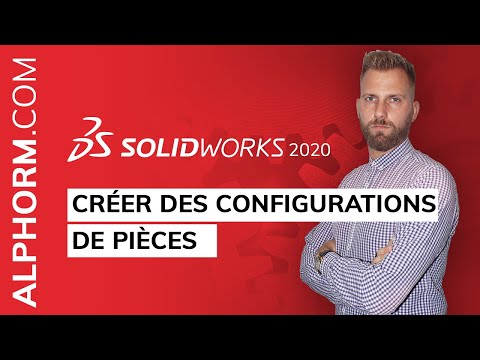
Comment créer des configurations de pièces sous SolidWorks 2020

Share your inquiries now with community members Click Here
Sign Up and Get Free Certificate
Sign up Now

Lessons List | 10 Lesson

Comments

Our New Certified Courses Will Reach You in Our Telegram Channel
Join Our Telegram Channels to Get Best Free Courses

Join Now

We Appreciate Your Feedback

Excellent
111 Reviews
Good
91 Reviews
medium
11 Reviews
Acceptable
1 Reviews
Not Good
3 Reviews
4.4
217 Reviews

Muhammad Nazal

The SolidWorks training program provided valuable insights and practical experience in the field of computer-aided design (CAD). The training covered essential topics, including interface introduction, 2D sketching, 3D modeling, and the fundamentals of assembly and technical drawing. This structured material enabled participants to understand the complete workflow of mechanical design using SolidWorks.
2025-12-15

reza

Good
2025-11-27

zakwan ahmad

Its very helpful and cover all my coonfuse
2025-11-25

Suyash

good
2025-11-07

Bendre Vaibhav Eknath

VERY GOOD
2025-11-07

Vishal Surade

good
2025-11-07

Daniel

good, french
2025-10-28

Mohd Aftab

It was very helpfull course for begineers
2025-10-27

Sadik Majdoub

This is the best cours learn SOLIDWORKS
2025-10-12

VENKADESH N

very useful
2025-09-29

Abdel haq obasandjo arèmou BOURAIMA

Super
2025-09-18

GANESH RAJENDRA MALI

good teaching but give the course in indian language
2025-09-07

Show More Reviews

Course Description

SOLIDWORKS is incredibly expansive in terms of its capabilities. Currently, there are two options available to try SOLIDWORKS for free. The first option is through MySolidWorks which offers an online product trial of the latest version of SOLIDWORKS Premium, all from within your browser.