×
MindLuster Logo

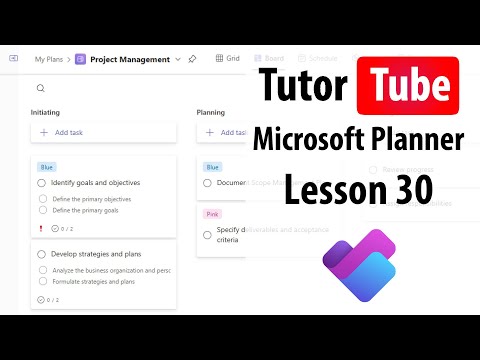
Microsoft Planner Lesson 30 Creating using Templates

Share your inquiries now with community members Click Here
Sign Up and Get Free Certificate
Sign up Now
Lesson extensions

Lessons List | 34 Lesson

Comments

Our New Certified Courses Will Reach You in Our Telegram Channel
Join Our Telegram Channels to Get Best Free Courses

Join Now

We Appreciate Your Feedback

Excellent
5 Reviews
Good
2 Reviews
medium
0 Reviews
Acceptable
0 Reviews
Not Good
0 Reviews
4.7
7 Reviews

Wongani Kuwali

It was iformative, my planner will look great with the new skills ive acquired
2026-01-08

‫سید جواد صدیقی (دلکوک)‬‎

I can't believe that such an expensive and valuable education can be provided with the highest quality completely free of charge.
I would like to thank and appreciate the entire Mindluster team.
2026-01-08

Anupam Bose

ok
2026-01-06

Prajwal parate

Very useful  corse
2026-01-05

YahYah Khan

Good
2025-12-30

DHIVYA PRAKASH S

Good
2025-12-30

Amelia Al Fionita

Nice
2025-12-19

kharisma oktaviandria

this is very helpful and easy to understand, thank you!
2025-12-19

Show More Reviews

Course Description

Microsoft planner, This course provides a practical introduction to Microsoft Planner, a simple and visual task-management tool within Microsoft 365. You will learn how to create plans, build task boards, organize work using buckets, and assign tasks to team members. The course covers setting priorities, due dates, labels, and tracking progress through charts and board views. You will also explore how to collaborate effectively, manage notifications, and integrate Planner with Microsoft Teams for smoother teamwork. Advanced lessons include filtering tasks, using best-practice workflows, and improving project organization across teams. By the end of the course, you will be able to create structured plans, monitor work efficiently, and enhance productivity using Microsoft Planner. TutorTube