Course Description
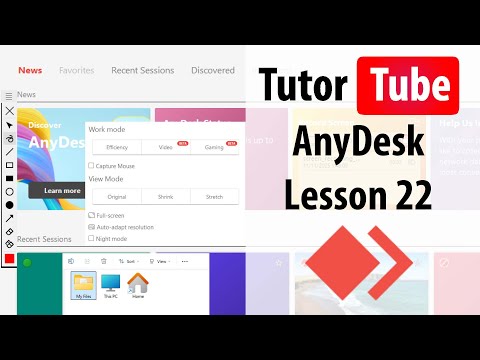
AnyDesk from basics to advanced course,
in this course Unlock the power of remote desktop access with AnyDesk from Basics to Advanced, a complete course designed to help you master one of the most popular remote support and screen-sharing tools used by professionals worldwide. In this free certified course, students will learn how to install and configure AnyDesk, connect to remote devices securely, manage unattended access, transfer files between devices, customize permissions, use screen sharing and remote control features, troubleshoot connection issues, and apply AnyDesk effectively for technical support, remote work, and business collaboration. Whether you are an IT support specialist, freelancer, business owner, or beginner looking to improve your remote access skills, this course provides practical step-by-step training to help you use AnyDesk confidently and professionally. Enroll now for free and receive an accredited certificate upon completion to showcase your remote desktop support skills. TutorTube