
 4 Lessons
 372 Students


Muka Yoo
Doing great
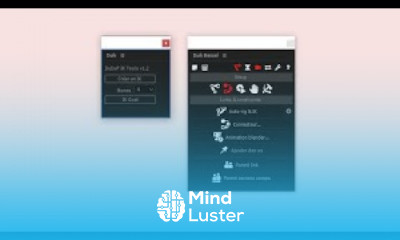
With After Effects, you can make dynamic transitions by animating shapes and colors. Create animated masks that add sparkle to your scene changes. Use expressions to create motion graphics. ... Add flickering and wiggling effects to make your words and objects move .
 To Register in Course you have to watch at least 30 Second of any lesson
 Create dynamic transitions by animating shapes and colors in Adobe After Effects
Design animated masks to enhance scene changes and add visual interest
Apply expressions to generate complex motion graphics and automate animations
Implement flickering and wiggling effects to make text and objects appear lively and engaging
4 Lessons • 1 h 2 m total
You must have an
Account
on the platform.
Complete all lessons.
Watch at least 50% of Lesson Duration.
Get your Certificate free 🎉 !
3.0
 (7 reviews)
Overall rating

Be the First One Review This Course
Doing great

Nice learning 😊

Je veux une attestation

thanks
Good

Excellent
The motion graphics with After effects course on mindluster was very helpful and easy to follow. Great for beginners, but it would be even better with more practices. Thanks for the good content.
Good
,

With After Effects, you can make dynamic transitions by animating shapes and colors. Create animated masks that add sparkle to your scene changes. Use expressions to create motion graphics. ... Add flickering and wiggling effects to make your words and objects move .
Experience the full power of Mindluster with Premium.
No distractions, just pure education.
Cancel your subscription anytime